The 8 Best Quiz Apps for Studying in 2026 (Compared)
- quizzes
- studying
- study apps
- multiple choice
- comparison
- 2026
The best quiz app for studying in 2026 is the one that asks you questions about your class, not a generic one. If you want quizzes generated from your recorded lectures or your documents, and asked again at the right time, Hekko. If your class is a standard one already covered by other students, Quizlet or Knowt. For quizzes on your PDFs, for free, NotebookLM. To turn any file into a quiz, Quizgecko. To study by playing, Gizmo or Kahoot!. To memorize flashcards over months, Anki.
Full disclosure: Hekko is our product. That's exactly why every price below comes from each tool's own pricing page, and why every app, Hekko included, gets its limitations listed.
Method and transparency
- Who writes this: Elian Tornikoski, founder of Hekko. Hekko is our product: it is ranked in the list, and its weak points are spelled out like everyone else's.
- No affiliation: no link on this page is an affiliate link, no tool mentioned pays us, and we earn no commission whichever tool you choose.
- How we compared: each tool's public features and official pricing page, checked on 21 September 2026. On 3 October 2026 we gave the same class, a French-language history lesson on the French Revolution, to Hekko, Quizlet, NotebookLM, Gizmo and Quizgecko: their screenshots come from that test, untouched. Kahoot! was tested on a quiz about the same topic. For the other tools, the visuals come from their official App Store listing and are labelled as such.
- Spotted a mistake? If a price or a feature has changed, write to us and the article gets updated.
TL;DR
The honest answer for 2026: a quiz is only useful if it covers what your professor will ask. AI generators (Hekko, NotebookLM, Quizgecko) start from your own material; Quizlet and Knowt rely on sets made by other people; Kahoot! and Gizmo bet on gameplay to keep you going.
- Best for quizzes on your own classes: Hekko
- Biggest question bank: Quizlet
- Best free practice tests: Knowt
- Best free option for your PDFs: NotebookLM
- Best any-file quiz generator: Quizgecko
- Most fun for studying alone: Gizmo
- Best for studying in a group: Kahoot!
- Best for long-term memorization: Anki
Comparison table
| App | Best for | Free tier | Paid from | Standout | Main limitation |
|---|---|---|---|---|---|
| Hekko | Quizzes on your own classes | 2 full courses a month, unlimited quizzes | $7.99/month billed yearly ($95.88), or $13.99/month | Quizzes of 10 to 50 questions, asked again at the right time | Multiple choice only (except the mock exam) |
| Quizlet | Ready-made question sets | 1 practice test per set | Plus $35.99/year, or $7.99/month | Millions of shared sets | Tests capped even on Plus |
| Knowt | Free practice tests | Unlimited tests and Learn mode | Ultra $149.99/year, or $24.99/month | Very generous free tier | Advanced AI generation on Ultra |
| NotebookLM | Quizzes on PDFs | 100 notebooks, 50 questions a day | Higher limits with Google AI plans | Free, grounded in your documents | No scheduled reviews |
| Quizgecko | Quizzes from any file | Very limited | Plus $9/month billed yearly ($108) | Accepts PDFs, audio, video, links | Tight free tier |
| Gizmo | Studying by playing | Unlimited, with lives and cooldowns | Price shown in the app | Imports Quizlet and Anki | Lives cut long sessions short |
| Kahoot! | Group quizzes | Basic kahoots and ready-made content | Bronze $3/month billed yearly | Game atmosphere, perfect with friends | AI generation is paid |
| Anki | Memorizing flashcards over months | Free on desktop and Android | AnkiMobile (iOS) $24.99 one-time | Most powerful spaced repetition | Cards made by hand, no generated quizzes |
Prices checked on each tool's own pricing page on 21 September 2026, in US dollars, list prices before promotions. Prices change: check before you pay.
Why does studying with quizzes work better than rereading?
Because searching your memory for the answer strengthens it, while rereading only recognizes it. That's the testing effect: in Roediger and Karpicke's study (2006), students who had tested themselves remembered much more a week later than those who had reread, even though they felt less confident. A quiz also shows you exactly what you don't know yet, which no rereading does.
To compare quiz apps, look at:
- Who writes the questions: you, other students, or AI from your material?
- The type of questions: multiple choice, true/false, open-ended questions, mock exam?
- Explanations: does the app tell you why you got it wrong?
- Follow-up: does it ask you the missed questions again later?
The 8 apps, one by one
1. Hekko: best for quizzes on your own classes
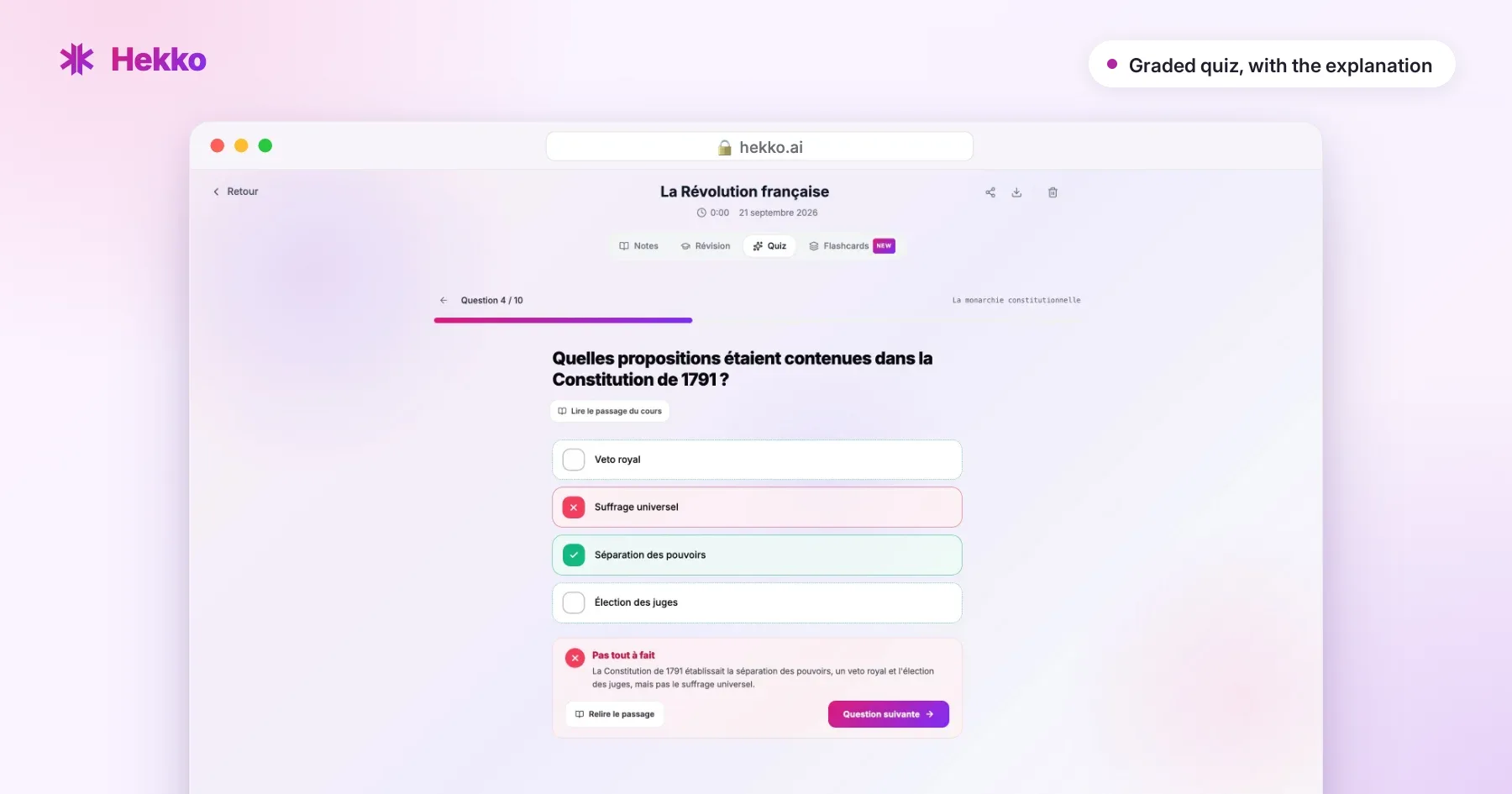
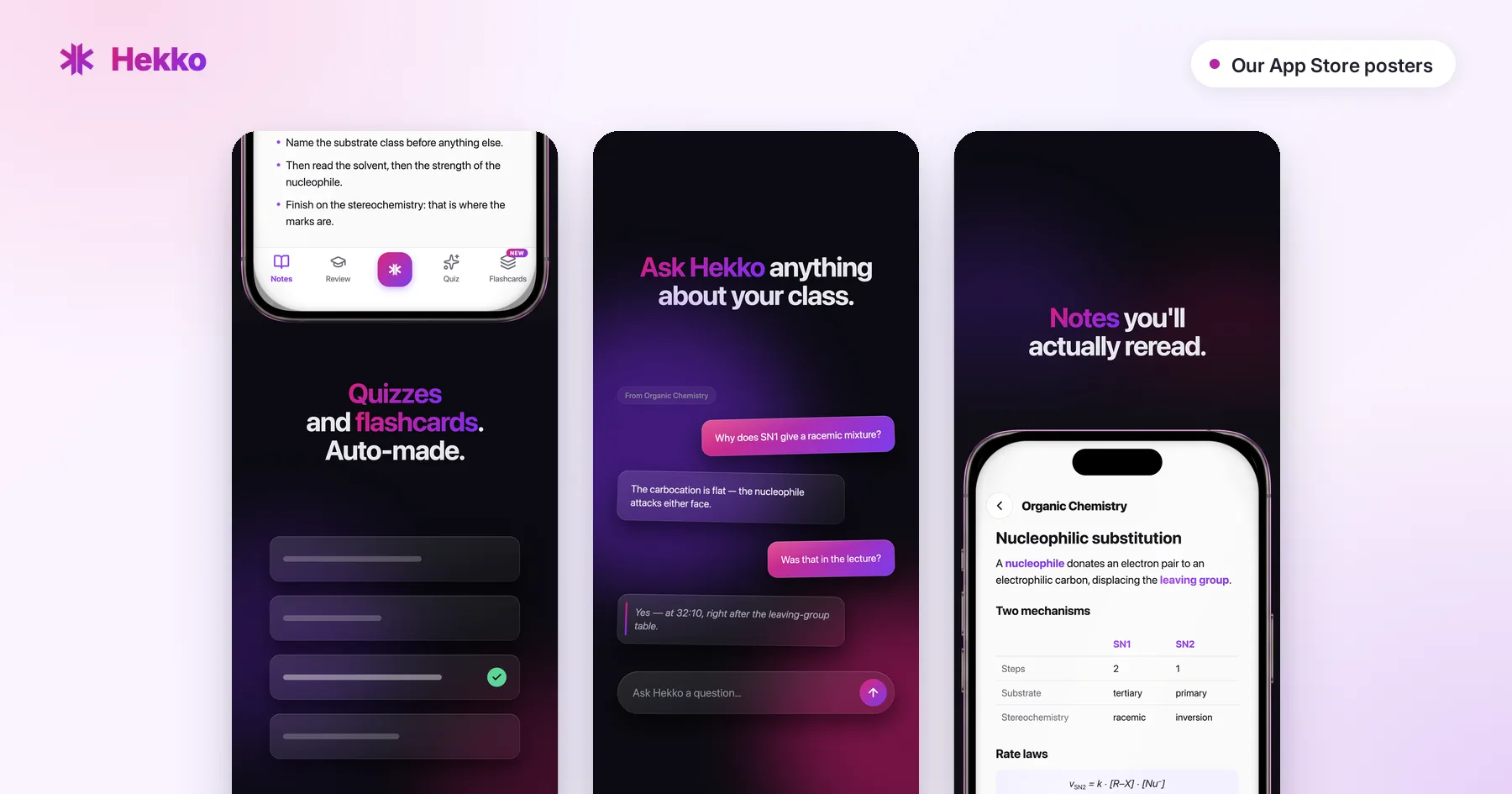
Hekko generates quizzes from what your professor actually said: you import slides, PDFs or photos, or record the lecture, and you start a quiz of 10, 25 or 50 questions, in the language of your choice. Each question has its explanation and points back to the relevant part of the lecture. The "Review" session then asks you a short quiz on each course after 1, 3, 7, 16 and then 35 days. Subscribers can ask Hekko for a full mock exam, graded out of 20, with open-ended questions. Web, iOS and Android.
Pros
- ✓ Questions cover your class, not a generic one
- ✓ An explanation and a link back to the lecture for every question
- ✓ Quizzes come back at the right time, with nothing to schedule
- ✓ Unlimited quizzes and flashcards on 2 full courses a month, free and no card required
Cons
- ✗ Quizzes are multiple choice only; open-ended questions go through the mock exam, for subscribers only
- ✗ Free plan capped at 2 courses a month
- Free tier: 2 full courses a month, no card required, with unlimited quizzes and flashcards.
- Price: $7.99/month billed yearly ($95.88), or $13.99/month.
- Verdict: the best pick if you want to test yourself on what your professor actually said in class.
2. Quizlet: biggest question bank
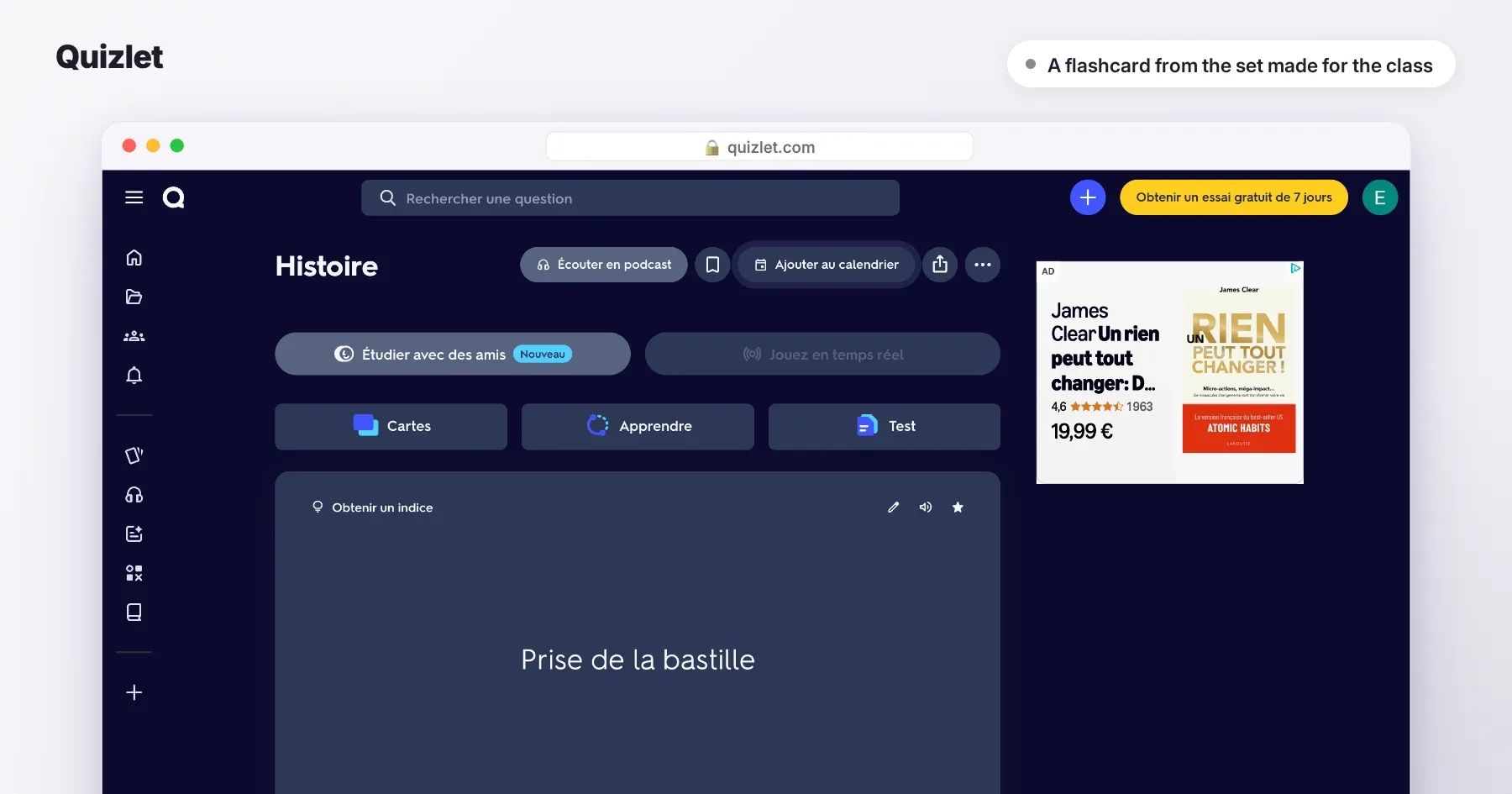
Quizlet offers millions of sets created by students and teachers, with a Test mode that turns any set into multiple choice, true/false or written questions.
Pros
- ✓ There's almost always a set on your topic
- ✓ Several question formats
Cons
- ✗ Only one practice test per set on the free plan
- ✗ Public sets vary in quality
- Free tier: flashcards, one practice test per set.
- Price: Plus $35.99/year or $7.99/month; Plus Unlimited $44.99/year.
- Verdict: perfect for standard subjects (vocabulary, anatomy), less so for your own class.
3. Knowt: best free practice tests
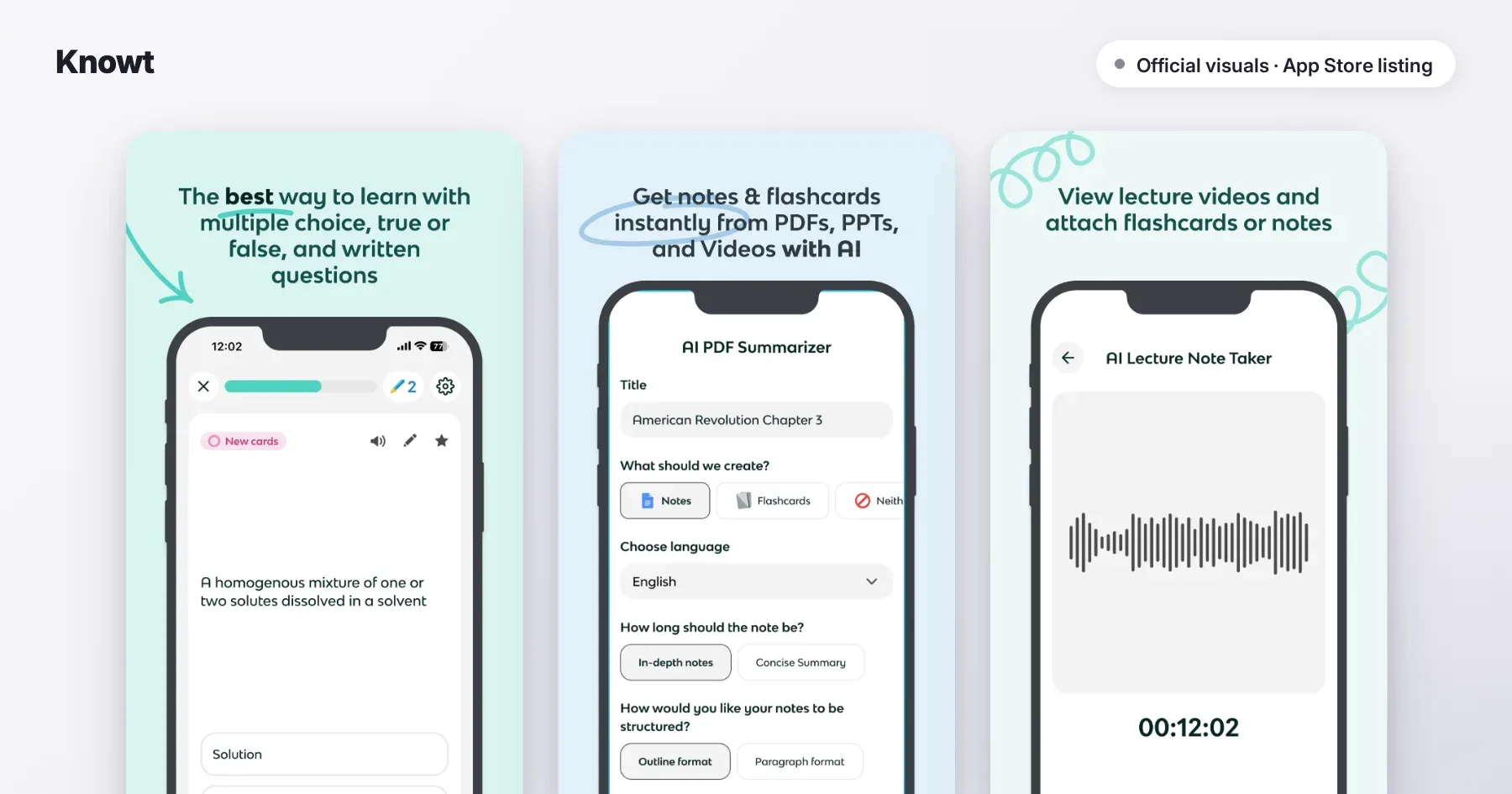
Knowt gives you for free what Quizlet charges for: unlimited practice tests and Learn mode, plus spaced repetition.
Pros
- ✓ Unlimited tests without paying
- ✓ Spaced repetition included
Cons
- ✗ AI summaries and lecture note-taking are Ultra-only
- ✗ Heavily geared toward US exams (AP, SAT)
- Free tier: very generous, with ads.
- Price: Ultra $149.99/year or $24.99/month.
- Verdict: the most solid free alternative to Quizlet.
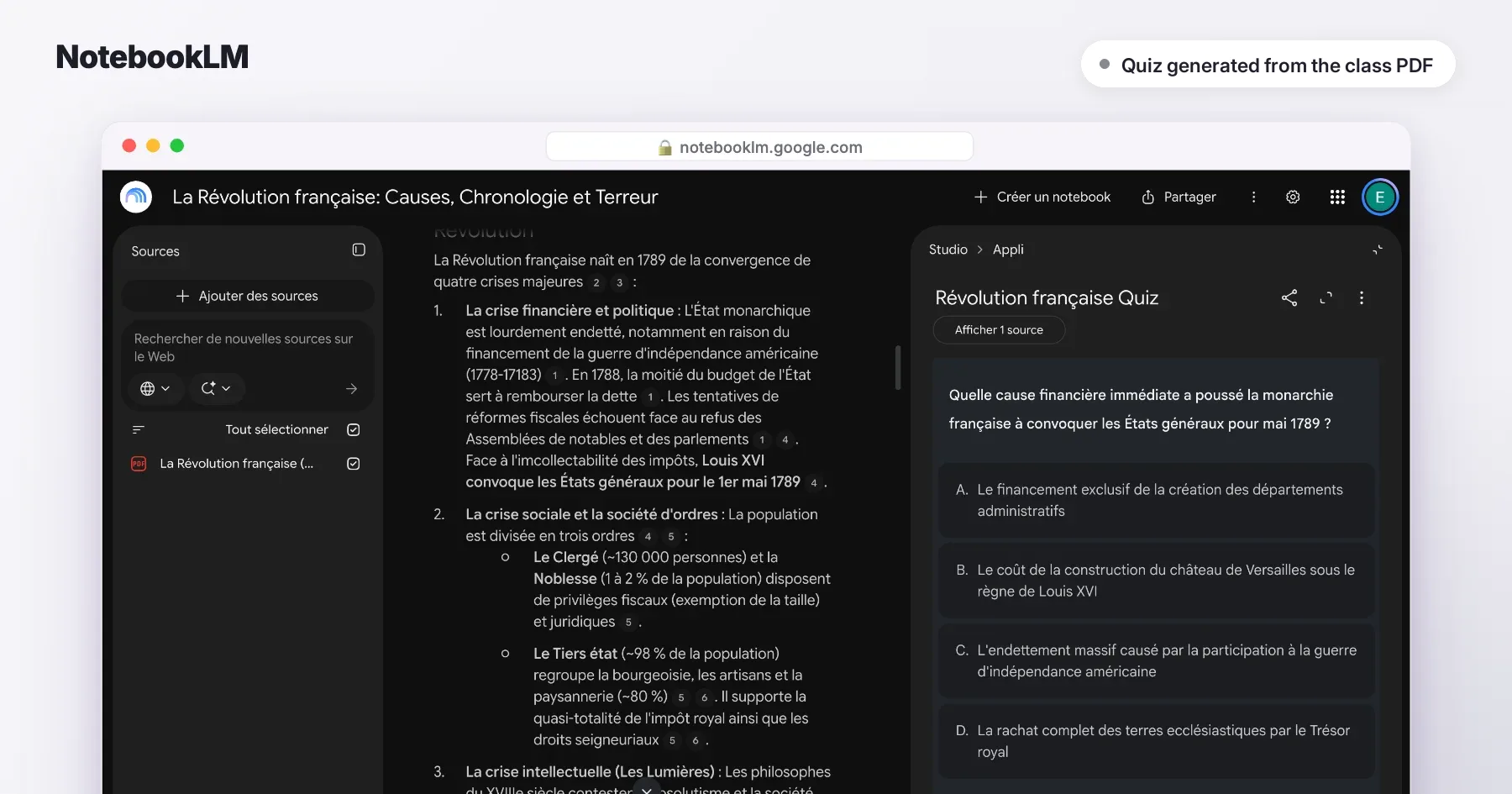
4. NotebookLM: best free option for quizzes on your PDFs
NotebookLM, from Google (renamed Gemini Notebook), generates quizzes and flashcards from the sources you import: PDFs, slides, web pages, audio files.
Pros
- ✓ Free and generous
- ✓ Questions grounded in your documents
Cons
- ✗ Nothing asks you the questions again later
- ✗ Doesn't record live lectures
- Free tier: 100 notebooks, 50 sources per notebook.
- Price: higher limits with Google AI plans.
- Verdict: ideal for practicing on readings.
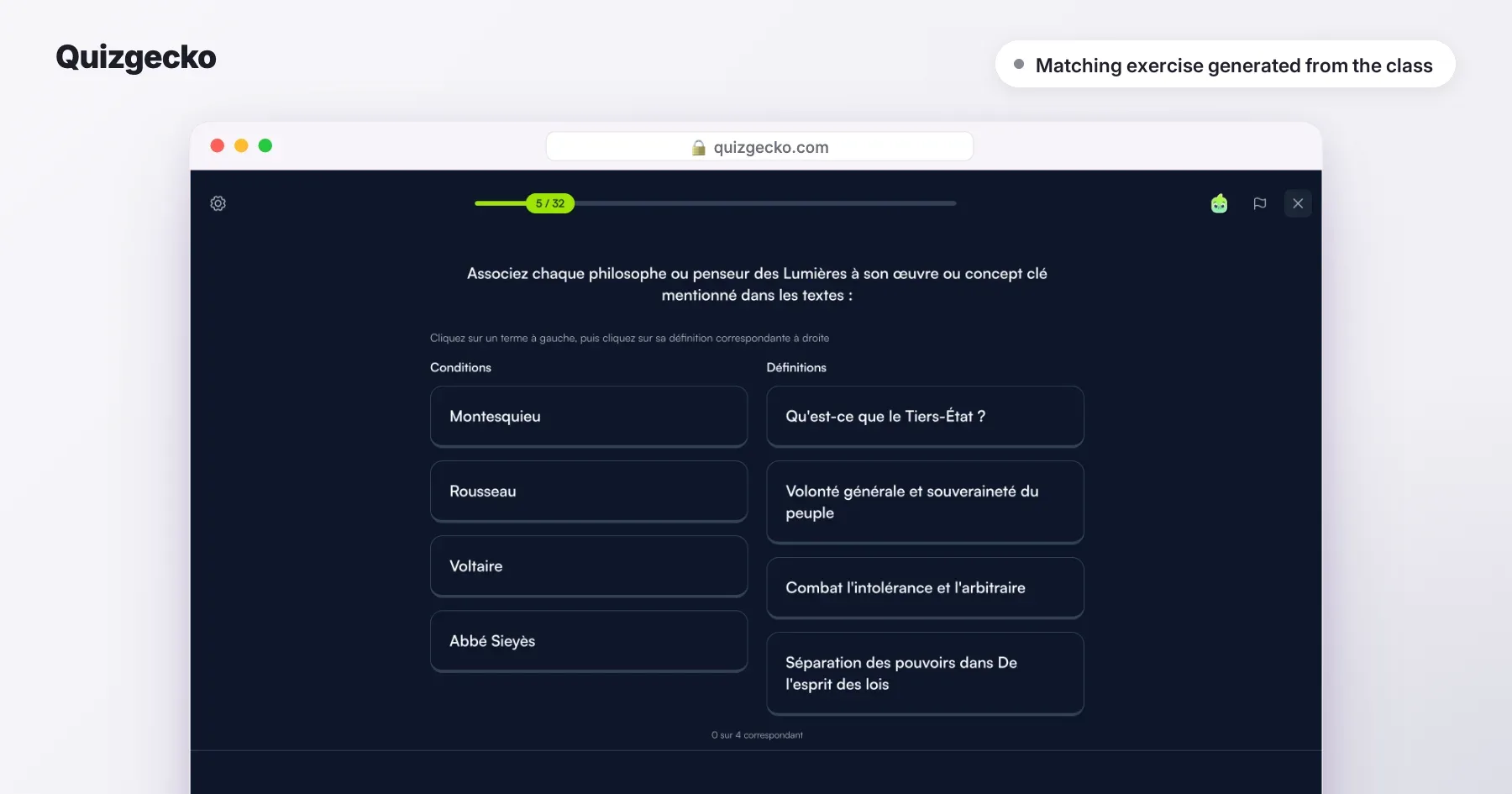
5. Quizgecko: best any-file quiz generator
Quizgecko turns just about anything into a quiz: PDFs, documents, links, videos, audio files. It also generates flashcards, notes and podcasts.
Pros
- ✓ Accepts almost every file type
- ✓ Also generates flashcards, notes and podcasts
Cons
- ✗ Very limited free tier
- ✗ No live lecture recording
- Free tier: limited creation.
- Price: Plus $9/month billed yearly ($108).
- Verdict: handy as a pure generator, if you already have your material.
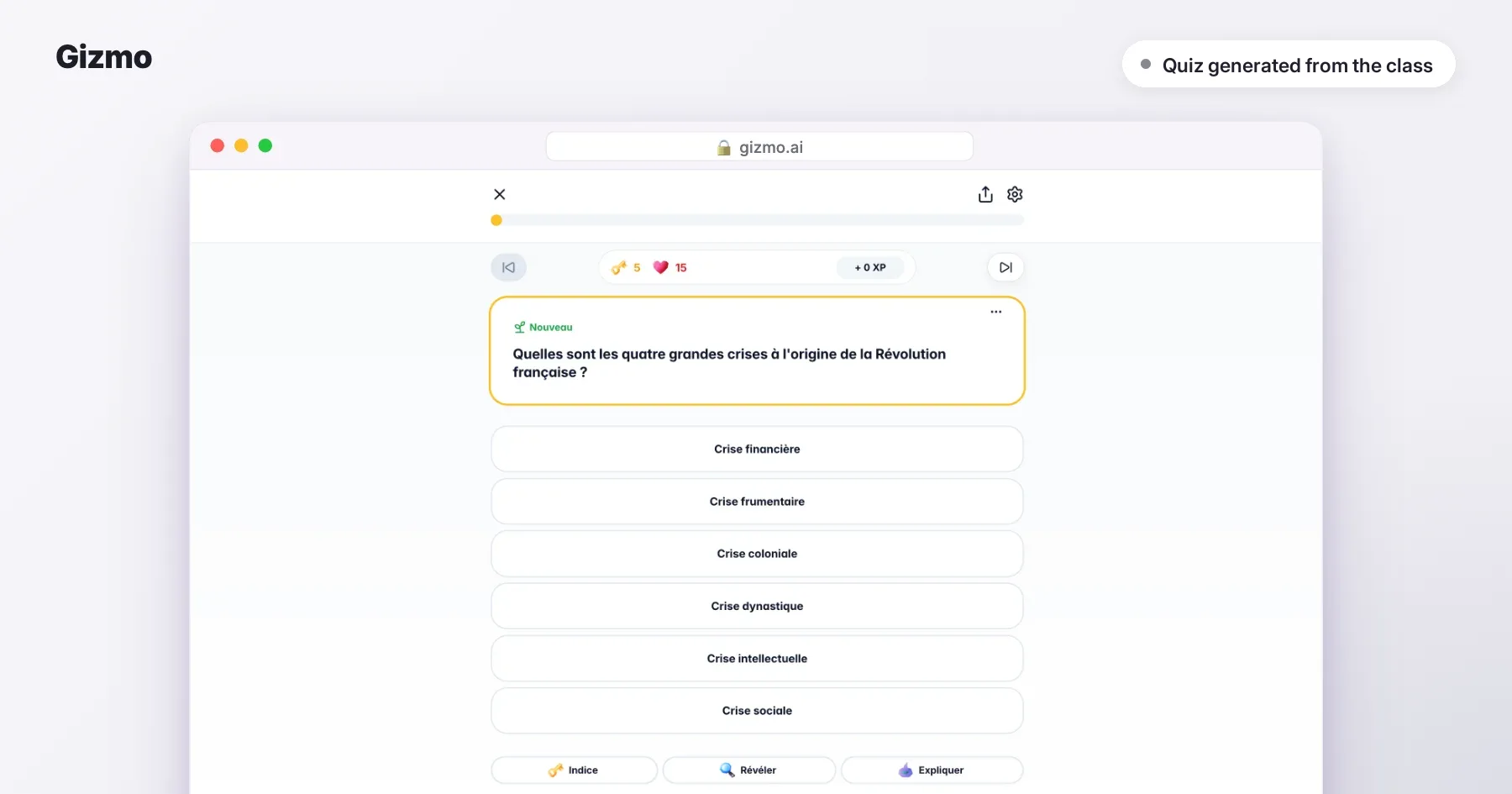
6. Gizmo: most fun for studying alone
Gizmo turns your material into game-style quizzes, with lives and spaced repetition. It also imports your Quizlet and Anki sets.
Pros
- ✓ Generous, fun free tier
- ✓ Imports PDF, PowerPoint, YouTube, Quizlet and Anki
Cons
- ✗ After losing 15 lives, a 10-minute break
- ✗ Subscription price shown only in the app
- Free tier: unlimited cards and quizzes, 2 AI imports a day.
- Price: "Unlimited" subscription, price in the app.
- Verdict: motivating if you struggle to get started.
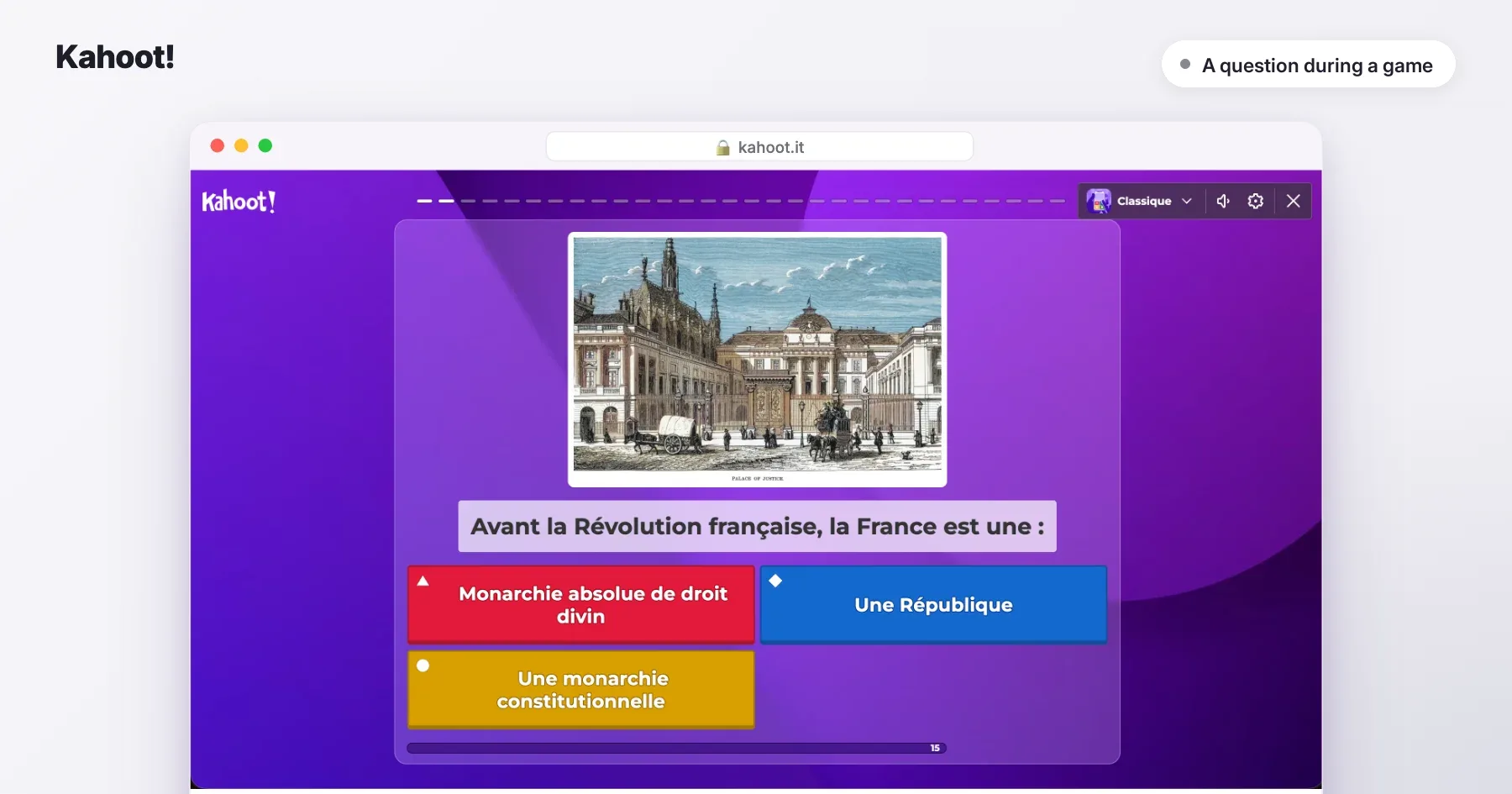
7. Kahoot!: best for studying in a group
Kahoot! is the quiz everyone has played in class. Its student plans let you create quizzes from your notes and PDFs, and study solo or with friends.
Pros
- ✓ Game atmosphere, perfect in a group
- ✓ Cheap student plans
Cons
- ✗ AI generation only on paid plans
- ✗ Designed for play more than memorization
- Free tier: basic kahoots and ready-made content.
- Price: Bronze $3/month billed yearly ($9 month to month).
- Verdict: ideal for a study session with friends during exam week.
8. Anki: best for long-term memorization
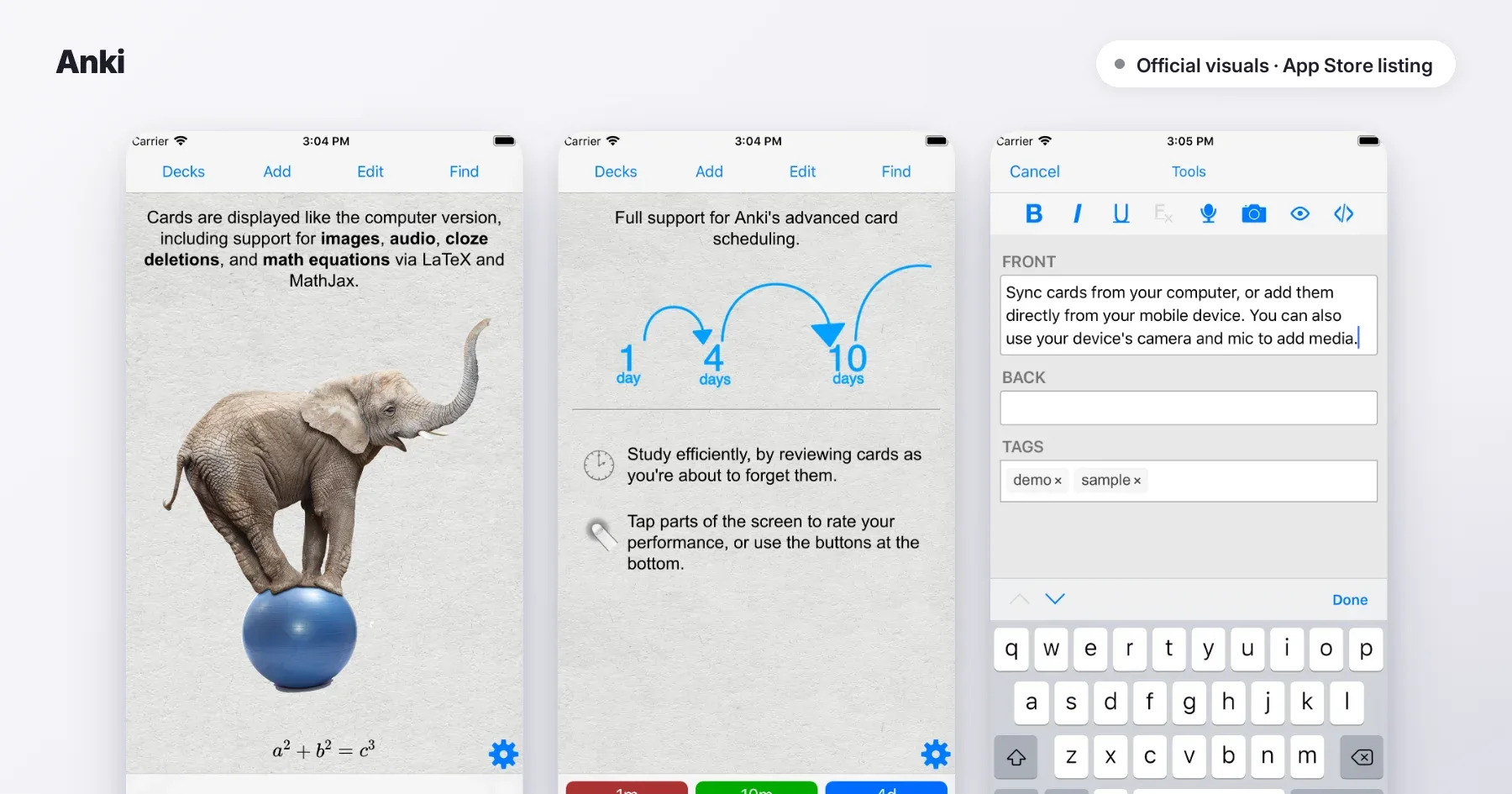
Anki isn't a quiz generator: it's the open-source flashcard app that medical students use by the thousands of cards. You make your cards (or download a shared deck), and its spaced-repetition algorithm shows you each one just before you forget it.
Pros
- ✓ Free on Windows, Mac, Linux and Android
- ✓ The most advanced spaced repetition on the market
- ✓ Huge catalog of shared decks
Cons
- ✗ Cards are made by hand: nothing is generated from your lecture
- ✗ The iPhone app costs $24.99
- Free tier: complete, except on iPhone and iPad.
- Price: AnkiMobile $24.99, one-time purchase.
- Verdict: unbeatable for memorizing over months, if you have time to make your cards.
Are AI-generated quizzes reliable?
Generally yes when they start from your own material, and that's precisely the difference with a generic AI. A generator that works from your lecture asks about what was taught, and a good app shows you where each answer comes from. Keep the habit of checking a surprising answer in your notes: it's actually an excellent way to study.
Multiple choice or open-ended questions: which helps you remember better?
Open-ended questions take more effort and help you remember slightly better, but well-built multiple-choice questions are very effective, especially when every wrong answer is plausible and explained. Most effective: regular multiple-choice quizzes during the semester, then a mock exam in the format of your real exam before finals.
How many quizzes should you take before an exam?
A short quiz the day after the lecture, then a few days later, then the following week beats one big quiz the night before. That's spaced repetition applied to quizzes (see our guide on spaced repetition). The night before the exam, focus on the questions you missed.
Is there a free app to make quizzes from your own classes?
Yes. Hekko is free for 2 full courses a month, no card required: you import your PDFs and slides or record the lecture, and you take as many quizzes and flashcards as you want on those courses. NotebookLM generates free quizzes on PDFs you already have, but doesn't ask them again later. Knowt offers unlimited practice tests, with ads. Anki is free on desktop and Android, but you make your cards yourself.
How do you choose the right one?
- You want questions on your own class → Hekko
- Your topic is a standard one → Quizlet, or Knowt for free
- You study from PDFs, for free → NotebookLM
- You want to turn any file into a quiz → Quizgecko
- You need a game element to get started → Gizmo
- You study in a group → Kahoot!
- You want to memorize flashcards over months → Anki
Also worth reading: the best study apps and the best flashcard apps.
How we built this comparison
Each app was compared on the four criteria above, from its public features and its own pricing page, checked on 21 September 2026. We don't earn any commission from the tools listed. If a price or a feature has changed, write to us and we'll update the article.